
Unclear processes create operational chaos. When team members rely on memory or inconsistent instructions, simple tasks become complicated, onboarding new hires takes forever, and scaling your operations feels impossible. This lack of standardization isn't just inefficient; it actively hinders growth by introducing errors, slowing down projects, and making it difficult to pinpoint what needs improvement. The core problem is a missing single source of truth for how work gets done, leading to wasted time and frustrated teams.
This guide cuts directly to the solution. We've compiled the definitive list of the best sources for business process documentation templates, moving beyond simple checklists to offer tools that drive real operational clarity. Whether you're a startup formalizing your first workflows or an enterprise team refining complex systems, the right template is crucial.
Below, you'll find a detailed breakdown of 12 top-tier platforms and resource hubs like Process Street, ClickUp, and Scribe. Each entry includes:
- A concise analysis of its strengths and weaknesses.
- Practical use cases for specific teams.
- Direct download links and screenshots to see the templates in action.
Our goal is simple: to help you quickly identify and implement the ideal business process documentation templates to bring order, consistency, and efficiency to your workflows.
1. OpsDog
OpsDog stands out by offering premium, battle-tested business process documentation templates derived directly from real-world consulting engagements with Fortune 500 companies. This isn't a collection of generic outlines; it's a library of professionally structured documents that have been used and refined in high-stakes corporate environments. The templates cover a wide range of specific functions, such as procurement, finance, and IT, providing a solid, pre-built foundation for teams that need to implement rigorous, industry-standard processes quickly.
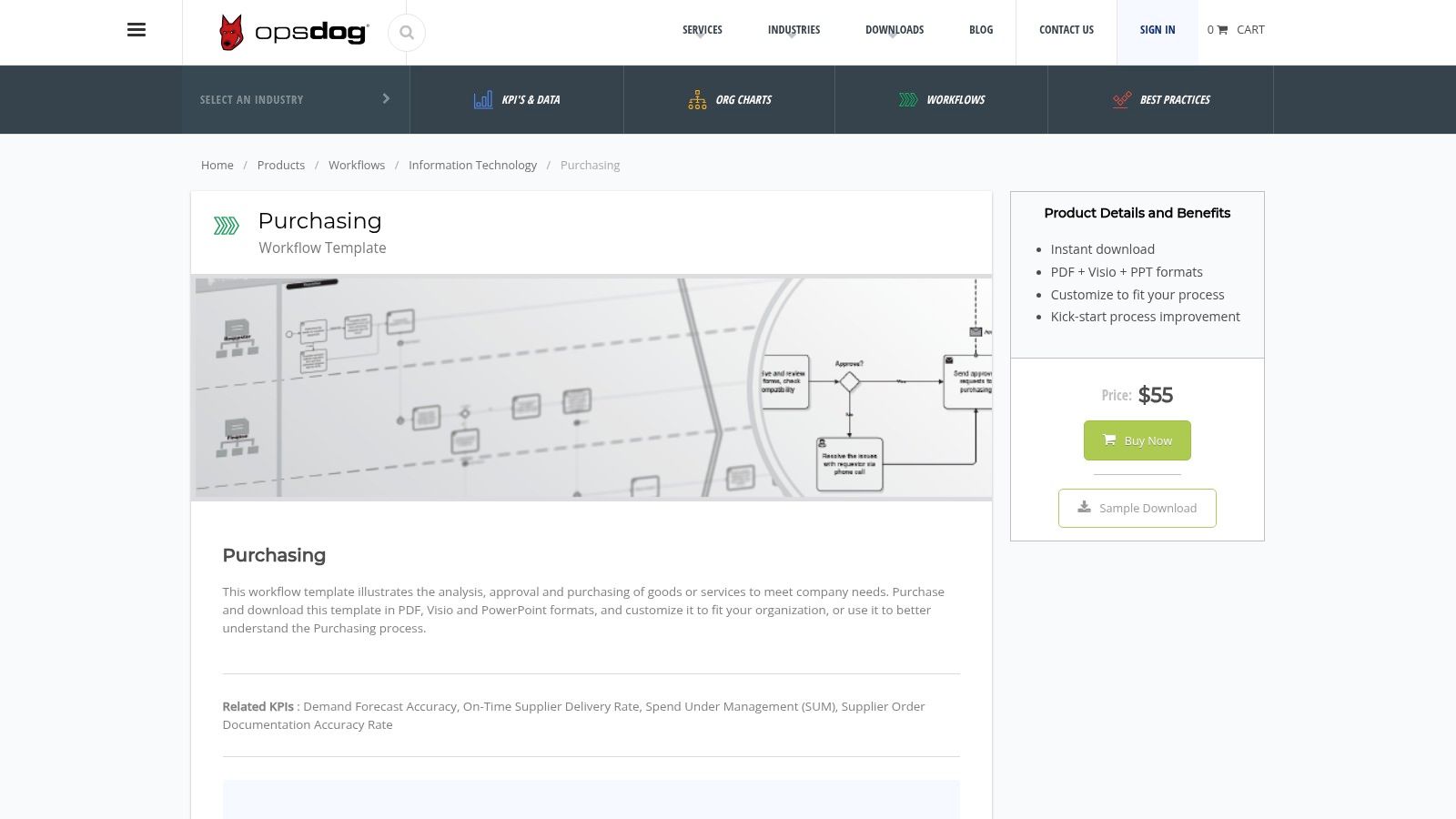
The primary advantage is the immediate access to professional-grade materials without the high cost of a consulting firm. Each template is available in multiple formats, including PDF, Microsoft Visio, and PowerPoint, making them incredibly practical for customization and presentation within your existing software ecosystem.
Key Details & Analysis
| Feature | Detail |
|---|---|
| Pricing | Paid templates; prices vary per document. |
| Formats | PDF, Visio, PowerPoint. |
| Best For | Enterprise teams, project managers, and consultants needing proven, industry-specific process frameworks. |
| Unique Selling Point | Templates are sourced from actual consulting projects, ensuring real-world applicability and professional quality. |
Pros:
- High-quality, professionally vetted documents.
- Easy to customize and integrate into existing workflows.
- Industry-specific focus provides relevant, actionable content.
Cons:
- No free templates are available, making it a paid-only resource.
Link: OpsDog Templates
2. Klariti
Klariti offers a practical and comprehensive toolkit for teams looking to develop their business process documentation templates from the ground up. Instead of individual documents, it provides a bundled pack that covers multiple facets of process design, including clarification logs, document control, gap analysis, and process flow diagrams. This approach is ideal for project managers and business analysts who need a suite of coordinated templates to manage the entire documentation lifecycle, from initial definition to final implementation.
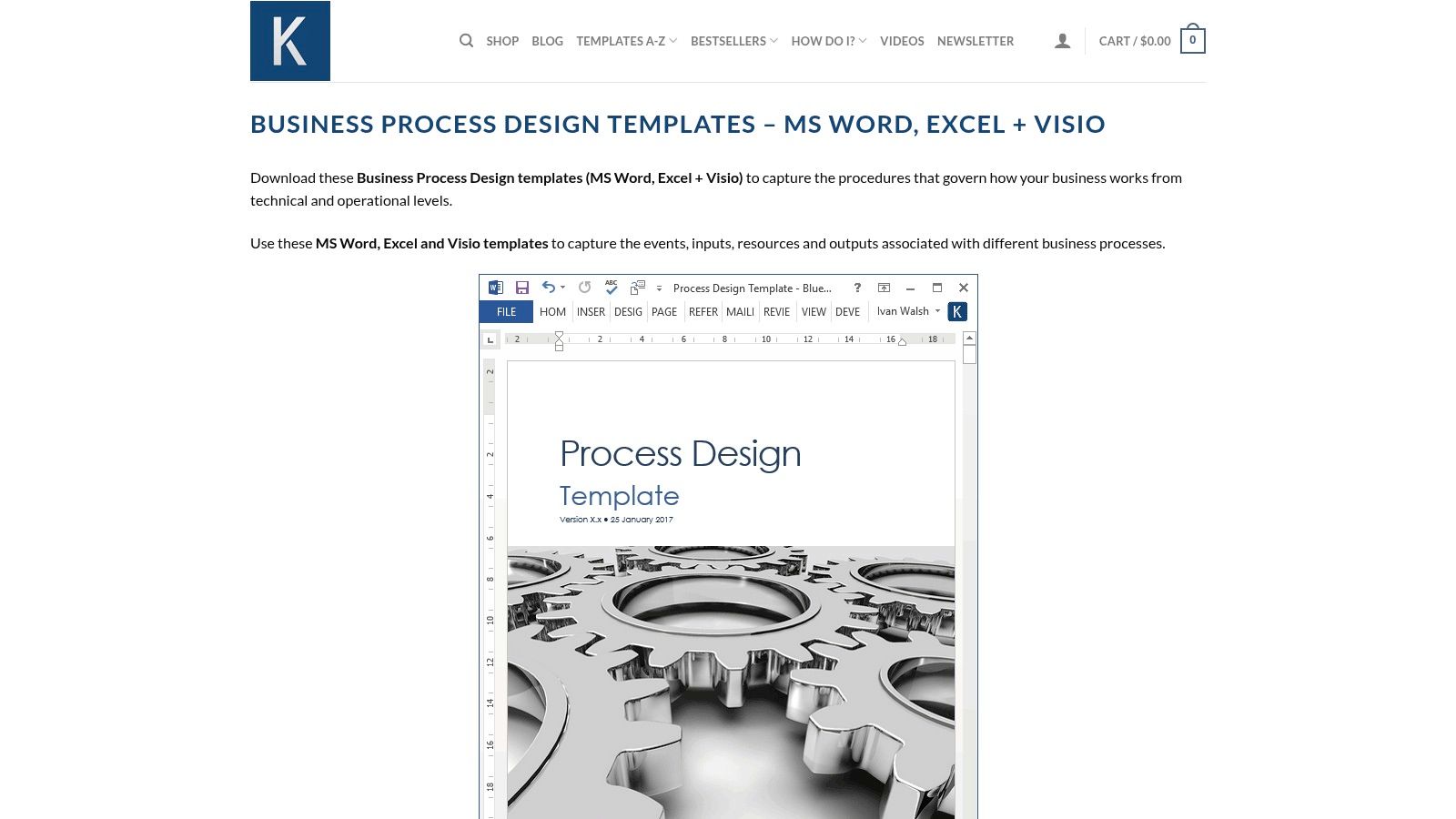
The primary advantage of Klariti's offering is its affordability and versatility. The templates are provided in common Microsoft Office formats like Word, Excel, and Visio, ensuring they are accessible and easy to customize for most business environments. This makes it a great entry point for small to medium-sized businesses that need a structured framework without a significant financial investment, supporting both technical and operational documentation needs effectively.
Key Details & Analysis
| Feature | Detail |
|---|---|
| Pricing | Paid template pack; one-time purchase. |
| Formats | MS Word, Excel, Visio. |
| Best For | Business analysts, project managers, and SMEs needing a complete, low-cost toolkit for process design. |
| Unique Selling Point | Provides a comprehensive bundle of related templates rather than single documents, covering the entire process lifecycle. |
Pros:
- Affordable one-time pricing for a full suite of documents.
- Covers diverse aspects of process design, from flowcharts to control logs.
- Templates are in standard, easy-to-edit MS Office formats.
Cons:
- Requires users to have familiarity with MS Office and Visio for effective use.
Link: Klariti Business Process Design Template
3. iHeartTechnicalWriting
iHeartTechnicalWriting offers a practical, all-in-one package of business process documentation templates designed for teams heavily invested in the Microsoft Office suite. This resource focuses on providing a cohesive set of editable documents that cover the entire process design lifecycle. The templates capture everything from high-level process events and inputs to detailed roles, responsibilities, schedules, and visual process flowcharts, making it a comprehensive toolkit for immediate deployment.
The main draw is its affordability and direct compatibility with MS Word, Excel, and Visio. This allows teams to standardize their documentation without needing to learn new software or platforms. It’s an ideal solution for creating a structured and repeatable documentation system, much like establishing a solid content creation workflow, ensuring every step is clearly defined and visualized.
Key Details & Analysis
| Feature | Detail |
|---|---|
| Pricing | Paid; one-time purchase for the complete template package. |
| Formats | MS Word, Excel, Visio. |
| Best For | Small to medium-sized businesses, project managers, and business analysts who rely on Microsoft Office for their documentation needs. |
| Unique Selling Point | A comprehensive, bundled package that provides an end-to-end documentation solution within the familiar Microsoft ecosystem. |
Pros:
- Affordable one-time price for a complete set of templates.
- Templates are fully editable and easy to customize.
- Includes Visio flowcharts for clear process visualization.
Cons:
- Requires users to have access to Microsoft Office and Visio to utilize all features.
Link: iHeartTechnicalWriting Templates
4. Bit.ai
Bit.ai carves out its niche by focusing on real-time, collaborative document creation. It offers a dynamic platform where teams can build business process documentation templates together, making it ideal for modern, agile work environments. Instead of static files, Bit.ai treats process documents as living "workspaces" that can be updated simultaneously by multiple users. This approach transforms documentation from a solitary task into a collaborative effort, ensuring everyone is aligned from the start.
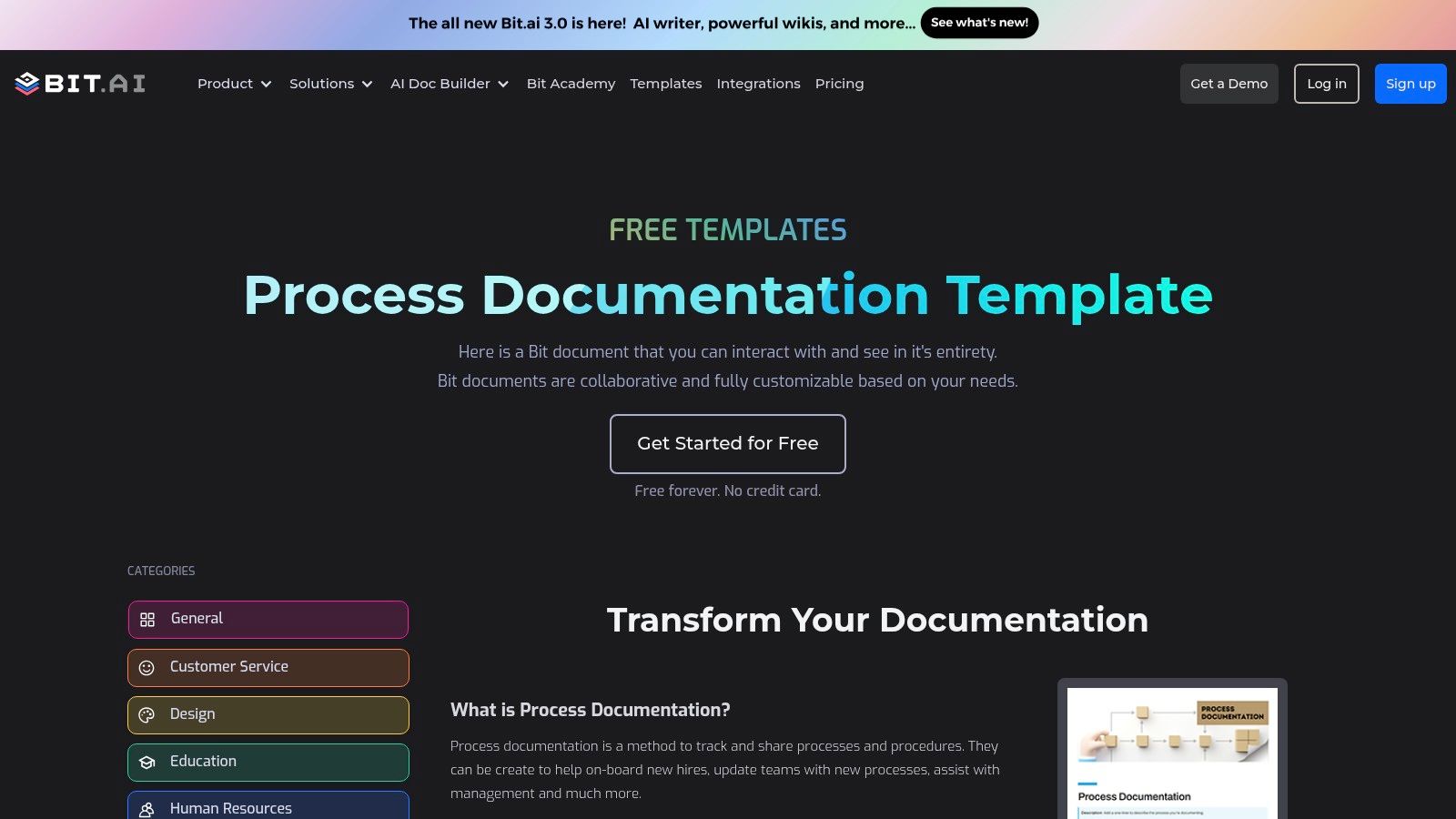
The platform’s strength lies in its smart editor, which allows for the seamless embedding of rich media like videos, diagrams, and files directly within the document. This makes the process documentation more engaging and comprehensive. For those exploring similar collaborative platforms, you might find other useful AI-driven tools in this overview of AI content creation tools. The free template provides a structured yet flexible starting point for teams new to formal documentation.
Key Details & Analysis
| Feature | Detail |
|---|---|
| Pricing | Free template available; paid plans for advanced features. |
| Formats | Web-based editor with export options. |
| Best For | Remote or cross-functional teams, startups, and agile environments needing collaborative documentation. |
| Unique Selling Point | Real-time collaboration and the ability to embed over 100 types of rich media content within documents. |
Pros:
- Excellent for team collaboration and real-time editing.
- Supports rich media embedding, making documents more interactive.
- User-friendly interface is easy for non-technical users to adopt.
Cons:
- Reliant on internet access for full collaboration and functionality.
Link: Bit.ai Process Documentation Template
5. ProProfs
ProProfs provides a highly accessible and user-friendly platform for creating knowledge bases, and its free business process documentation templates are a standout feature for teams getting started. The platform excels at allowing users to record processes step-by-step while integrating rich media like images, instructional videos, and flowcharts directly into the document. This multimedia support makes the documentation more engaging and easier to follow, especially for complex or visual tasks.
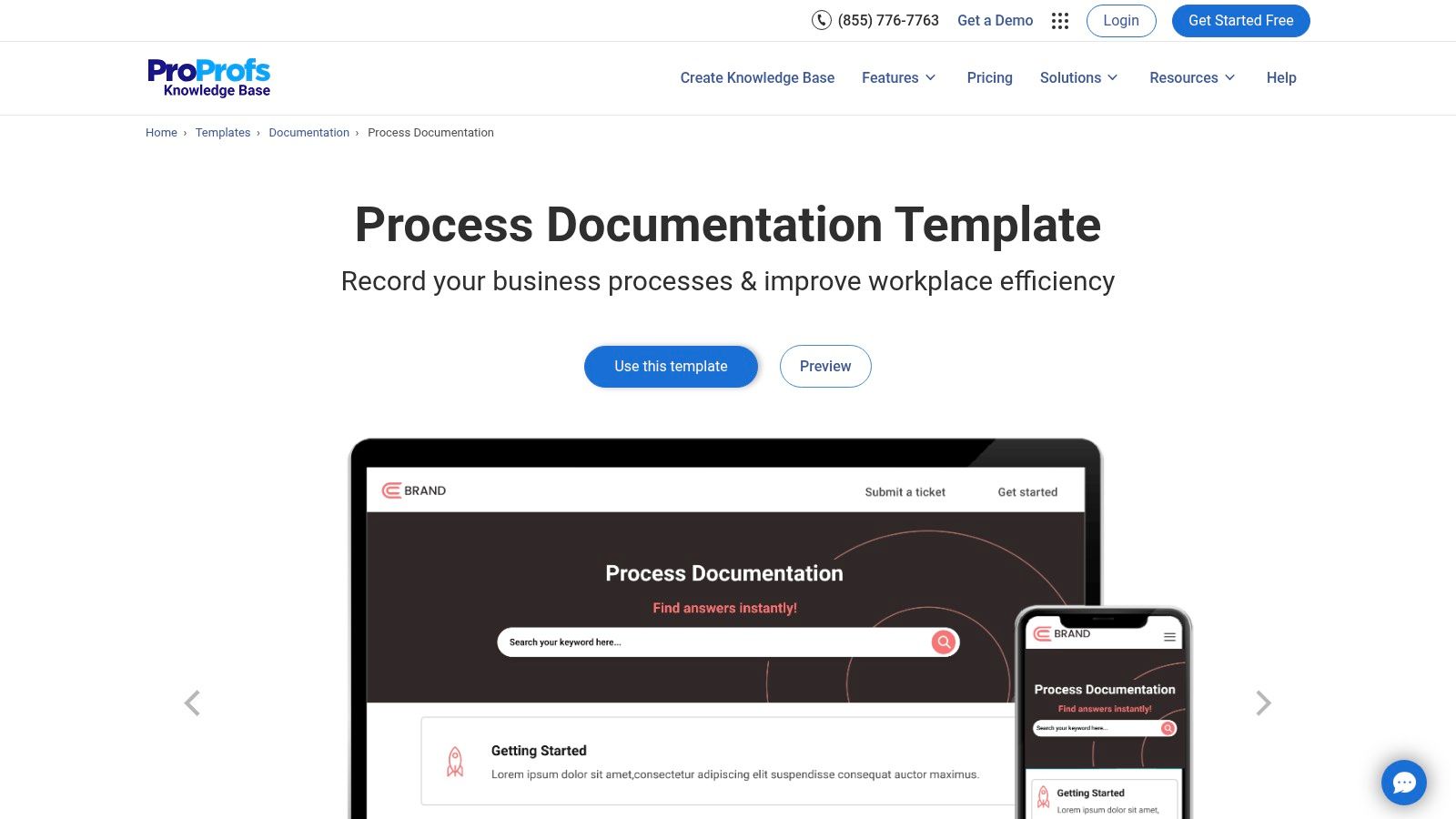
The primary appeal of ProProfs is its simplicity and no-cost entry point. Its templates are designed for easy customization, allowing even non-technical users to create polished and professional-looking guides. By focusing on a clean interface and straightforward tools, it removes the barriers often associated with creating thorough documentation, ensuring your team can maintain a consistent format. For those interested in standardization, you can learn more about establishing a consistent brand voice for your documentation.
Key Details & Analysis
| Feature | Detail |
|---|---|
| Pricing | Free template available; premium plans offer more features. |
| Formats | Web-based editor; export options available. |
| Best For | Startups, small businesses, and teams needing a simple, free tool for creating visually rich process guides. |
| Unique Selling Point | Seamless integration of multimedia (videos, images, flowcharts) into documentation with a very user-friendly interface. |
Pros:
- Completely free to get started.
- Excellent support for embedding multimedia enhances clarity.
- Easy-to-use interface requires minimal training.
Cons:
- The free version has limitations on advanced features and customization.
Link: ProProfs Template
6. ClickUp
ClickUp moves beyond static documents by integrating business process documentation templates directly into its all-in-one project management ecosystem. This approach allows teams not only to define their processes but also to execute, track, and refine them within the same platform. The platform provides a diverse collection of free templates, including process plans, flowcharts, and standard operating procedure (SOP) outlines, which are designed for immediate use and customization within the ClickUp environment. This creates a living document that evolves with your projects.
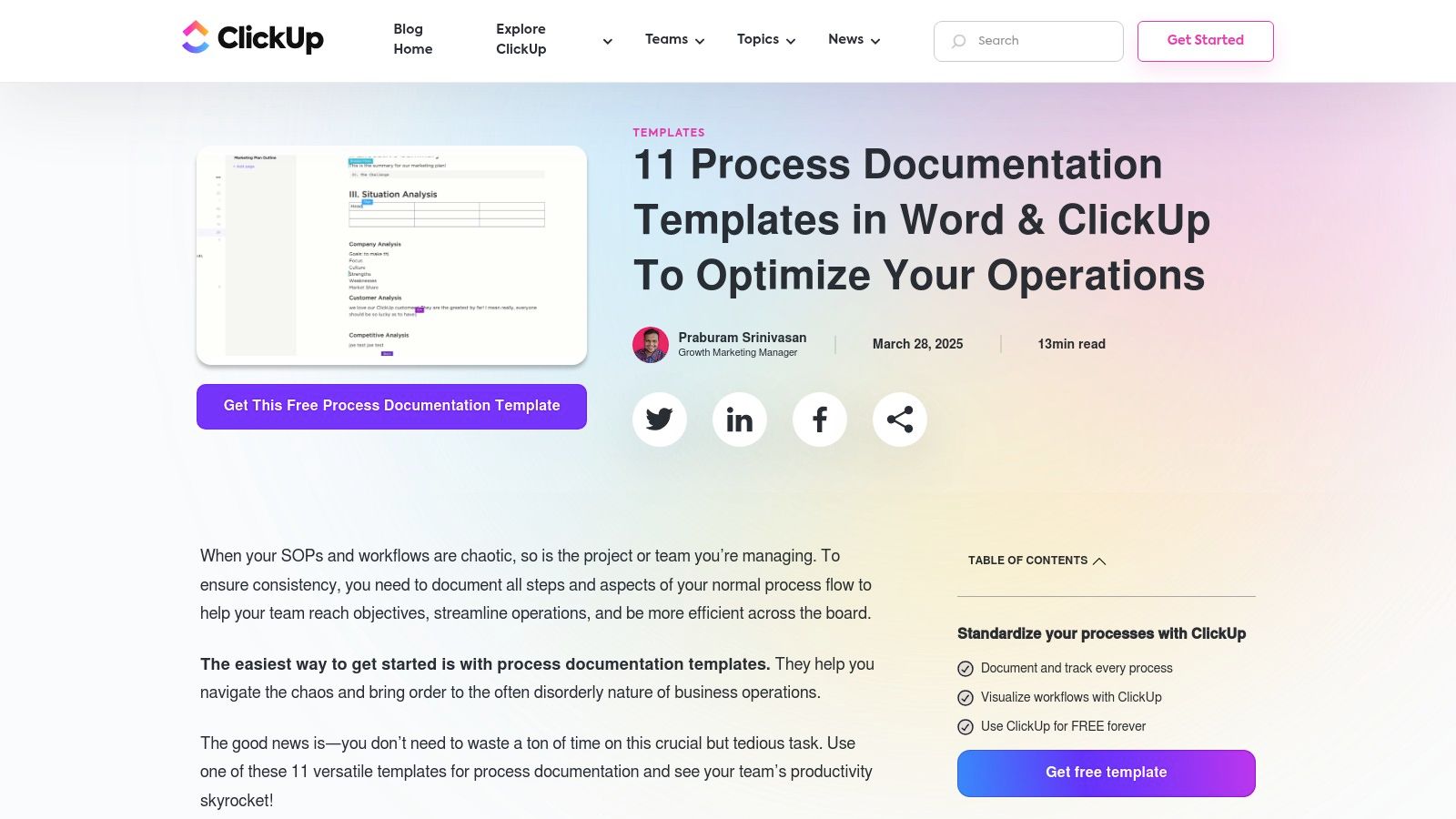
The primary benefit is the seamless connection between documentation and action. Instead of creating a flowchart in one tool and managing the related tasks in another, ClickUp combines both. This makes processes more transparent and actionable, as team members can see the documentation and their assigned tasks in one centralized location, fostering real-time collaboration and accountability.
Key Details & Analysis
| Feature | Detail |
|---|---|
| Pricing | Free templates available within the ClickUp platform (which has free and paid tiers). |
| Formats | Natively integrated into the ClickUp platform (Docs, Whiteboards, Lists). |
| Best For | Teams already using or willing to adopt ClickUp for project management who want to embed process documentation directly into their workflows. |
| Unique Selling Point | The integration of documentation directly with task management, turning static process documents into live, actionable workflows. |
Pros:
- Excellent for team collaboration and active project management.
- Templates are free and tightly integrated into the platform.
- Centralizes documentation and execution, reducing tool switching.
Cons:
- The platform's extensive features can present a learning curve for new users.
Link: ClickUp Templates
7. Process Street
Process Street transforms static documents into interactive, collaborative workflows, offering a vast library of free business process documentation templates. It goes beyond simple outlines by integrating checklist-based workflows with powerful automation features. This allows teams to not only document a process but also to execute it consistently, track progress in real-time, and ensure accountability. The platform is designed for dynamic operational needs, from client onboarding to daily IT checks, making it a comprehensive process management solution.
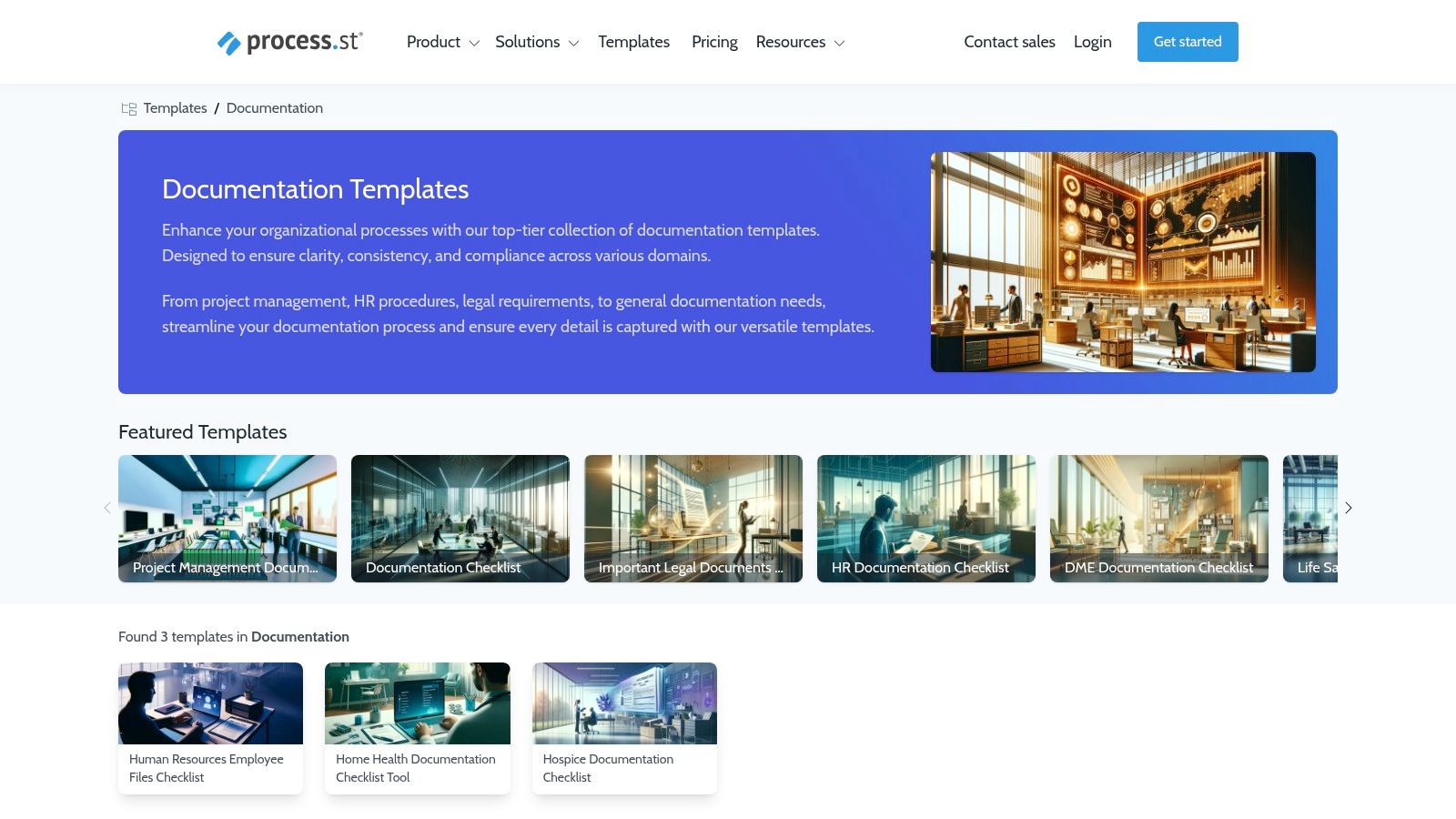
Its core strength lies in its ability to bring documentation to life. Instead of a PDF that sits in a folder, a Process Street template becomes an actionable checklist that can be assigned to team members, set with due dates, and connected to other apps. The platform's emphasis on automation is a key differentiator, and you can see more business process automation examples here to understand its potential impact.
Key Details & Analysis
| Feature | Detail |
|---|---|
| Pricing | Free plan available; paid plans unlock advanced features and user capacity. |
| Formats | Interactive web-based checklists; exportable to PDF. |
| Best For | Teams seeking to actively manage and automate recurring tasks and standard operating procedures. |
| Unique Selling Point | Combines documentation with workflow automation, turning static processes into interactive and enforceable checklists. |
Pros:
- Large library of free, customizable templates.
- User-friendly interface is intuitive and easy to adopt.
- Powerful automation and integration capabilities enhance efficiency.
Cons:
- Advanced features like conditional logic and full reporting are behind a paywall.
Link: Process Street Templates
8. Atlassian Confluence
Atlassian Confluence shifts the focus from static documents to dynamic, collaborative knowledge bases. It provides a free business process documentation template designed to live within its powerful wiki-style platform, making it ideal for teams already using Jira or other Atlassian tools. This approach transforms process documentation from a file in a folder into a central, living resource that team members can access, comment on, and update in real time.
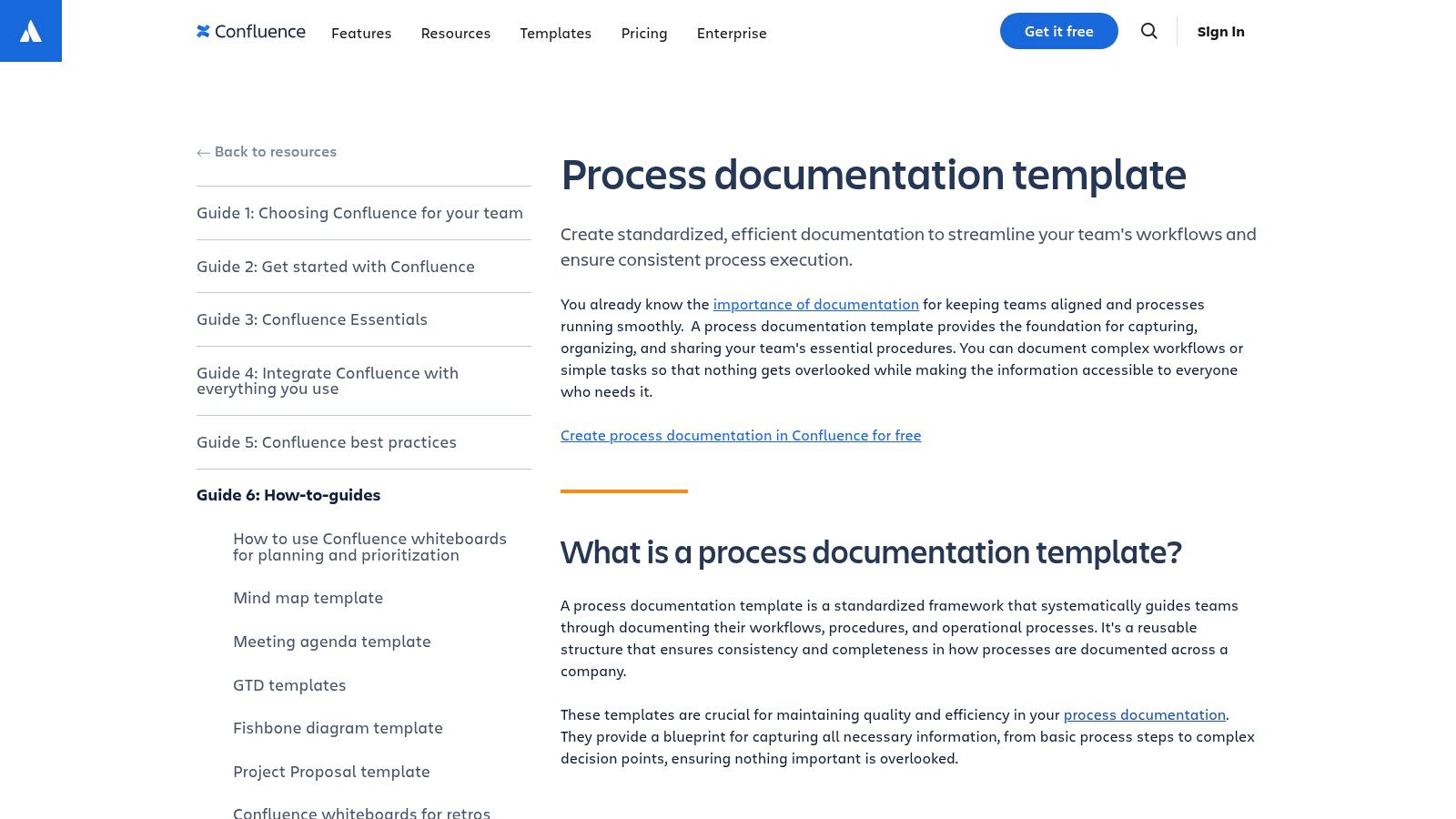
The template's key advantage is its deep integration and collaborative nature. It supports version control, ensuring you can track changes and revert to previous versions, a critical feature for process management. For teams looking to build interconnected systems of documentation, similar to how one might go about creating a content calendar for a startup, Confluence offers a robust framework for organized and accessible knowledge.
Key Details & Analysis
| Feature | Detail |
|---|---|
| Pricing | Free template included in Confluence (Free and Paid plans available for the platform itself). |
| Formats | Confluence Page (Web-based). |
| Best For | Agile teams, software developers, and organizations already invested in the Atlassian ecosystem. |
| Unique Selling Point | Seamless integration with Jira and other Atlassian products, enabling real-time collaborative process documentation. |
Pros:
- Facilitates excellent team collaboration with real-time editing and comments.
- Strong version control and document history are built-in.
- Free to use within the Confluence platform.
Cons:
- Most effective when used with other Atlassian products; may be less intuitive for teams unfamiliar with the ecosystem.
Link: Atlassian Confluence Template
9. Scribe
Scribe simplifies the creation of business process documentation templates by automatically generating step-by-step guides as you work. Instead of manually writing instructions and taking screenshots, Scribe's browser extension or desktop app captures your workflow, turning your clicks and keystrokes into a polished document. This unique, "show, don't tell" approach dramatically reduces the time and effort required to map out even complex digital processes, making it ideal for creating training materials, SOPs, and user guides.
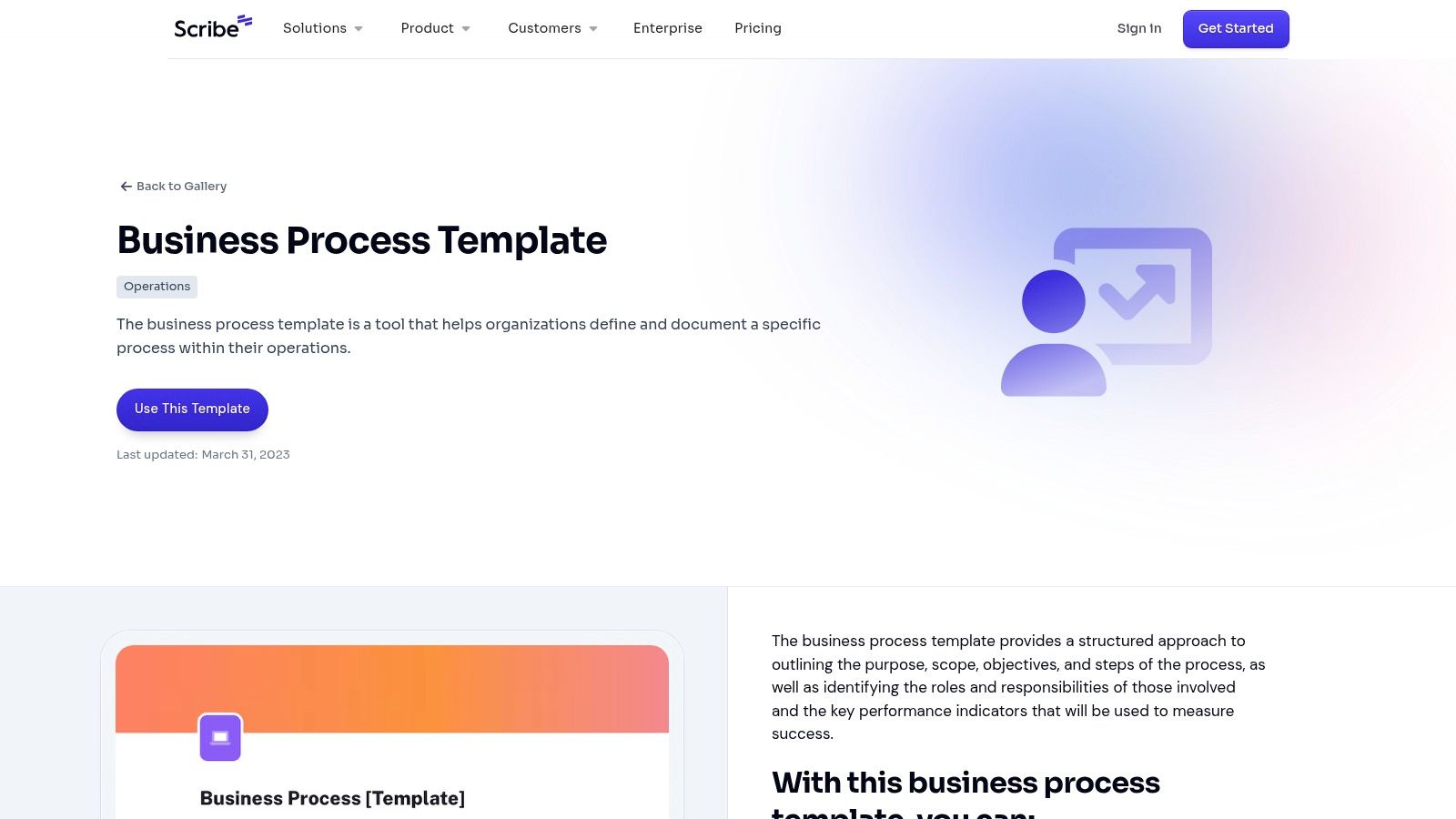
The platform is designed for rapid creation and easy sharing. Once a Scribe is generated, you can quickly customize it by adding text, annotations, or redacting sensitive information. The final document can be shared via a direct link, embedded in a wiki or knowledge base, or exported to various formats. Its user-friendly interface makes process documentation accessible to all team members, not just technical writers.
Key Details & Analysis
| Feature | Detail |
|---|---|
| Pricing | Free plan available; paid plans (Pro and Enterprise) offer advanced features. |
| Formats | Online shareable link, PDF, HTML, Markdown, Confluence export. |
| Best For | Teams needing to quickly create visual, step-by-step guides for software-based processes, employee onboarding, and customer support. |
| Unique Selling Point | Automatic process capture technology that creates documentation for you as you complete a task, eliminating manual documentation effort. |
Pros:
- Drastically speeds up the documentation process.
- Intuitive and extremely easy for anyone to use.
- Facilitates easy sharing and team collaboration on guides.
Cons:
- The free version has limitations on customization and branding.
Link: Scribe Business Process Template
10. Template.net
Template.net offers a vast and accessible library of business process documentation templates, making it a go-to resource for teams needing a quick and straightforward solution. Its primary strength lies in its sheer volume and the simplicity of its offerings. The templates are designed for immediate download and use, primarily in Microsoft Word, which makes them highly approachable for users of all technical skill levels. This focus on ease of use ensures that anyone can begin documenting procedures without a steep learning curve or the need for specialized software.
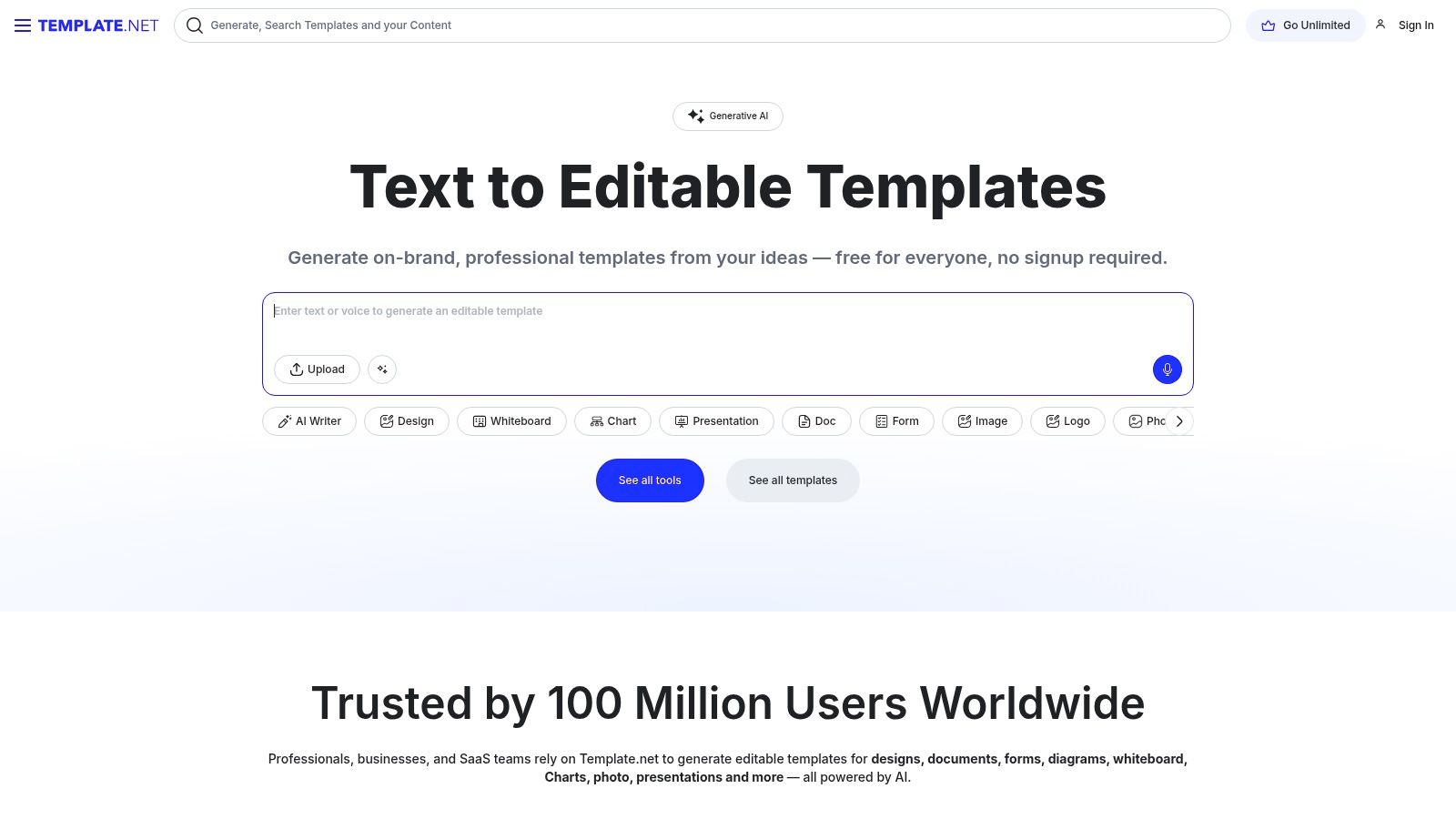
The platform is ideal for small businesses, startups, or individual departments that require a functional, no-frills template to get started. While some content is gated behind a premium subscription, many useful process documents are available for free, providing significant value without any initial investment. The templates are fully customizable, allowing teams to adapt the basic structure to fit their specific operational needs and branding guidelines.
Key Details & Analysis
| Feature | Detail |
|---|---|
| Pricing | Freemium model; offers many free templates with premium options available through subscription. |
| Formats | Primarily Microsoft Word (.docx). |
| Best For | Startups, small businesses, and teams looking for simple, free, and easily editable document templates. |
| Unique Selling Point | A massive collection of free, easy-to-use Word templates that require no specialized skills or software. |
Pros:
- Large selection of free templates.
- Extremely easy to download, edit, and use in a common format.
- Suitable for a wide variety of basic business processes.
Cons:
- Mostly limited to the Word format, which may not be ideal for complex visual process mapping.
- Quality and complexity can be basic compared to specialized platforms.
Link: Template.net
11. Lucidchart
Lucidchart is a powerful, web-based diagramming platform that excels at transforming complex procedures into clear, visual assets. While not just a template repository, its extensive library of business process documentation templates serves as a launchpad for creating detailed flowcharts, process maps, and organizational charts. It is designed for real-time collaboration, allowing multiple team members to co-create and comment on diagrams simultaneously, streamlining the feedback and approval cycle for process documentation.
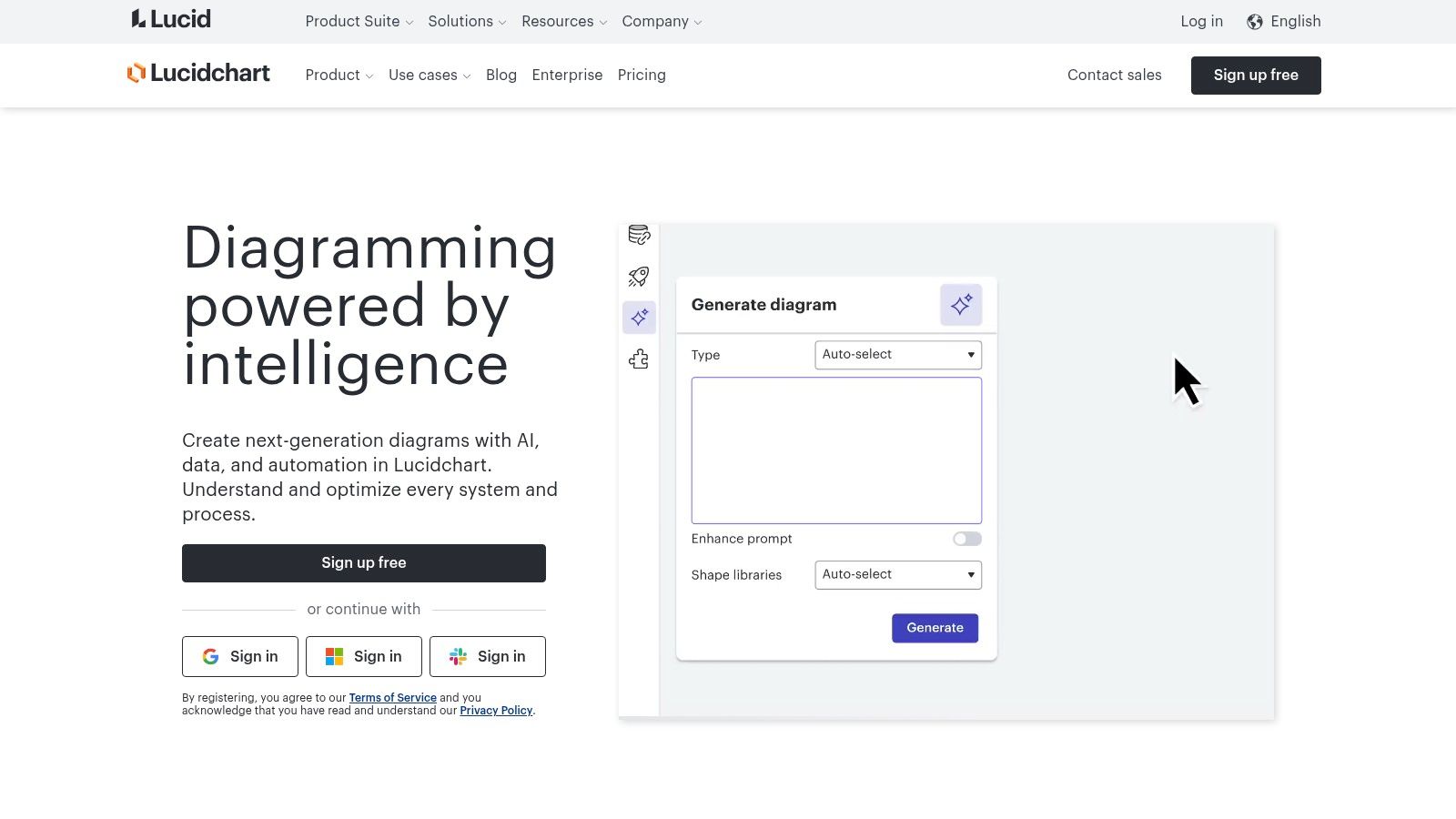
The platform's key strength lies in its intuitive drag-and-drop interface and vast shape libraries, which make it accessible even for non-technical users. Integrations with popular tools like Google Workspace, Microsoft Office, Slack, and Jira mean that process diagrams can be seamlessly embedded into the systems your team already uses, making documentation a living part of your daily operations rather than a static, forgotten file.
Key Details & Analysis
| Feature | Detail |
|---|---|
| Pricing | Freemium model; paid plans unlock advanced features and unlimited documents. |
| Formats | Lucidchart native format, exportable to PDF, PNG, JPEG, SVG, Visio. |
| Best For | Teams of all sizes seeking a collaborative, visual-first approach to documenting and refining workflows. |
| Unique Selling Point | Real-time collaboration features combined with extensive integrations make it a dynamic documentation hub. |
Pros:
- Highly intuitive and user-friendly interface.
- Excellent for visualizing processes and workflows.
- Strong collaboration and integration capabilities.
Cons:
- Many advanced features and unlimited document creation are locked behind a paid subscription.
Link: Lucidchart Templates
12. Smartsheet
Smartsheet takes a dynamic, spreadsheet-centric approach to process management, offering a suite of customizable business process documentation templates designed for active project tracking and collaboration. Unlike static documents, Smartsheet templates are live and interactive, allowing teams to not only map out a process but also manage its execution in real-time. This makes it a powerful tool for organizations that need to connect their documentation directly to task assignments, deadlines, and status updates within a single, unified platform.
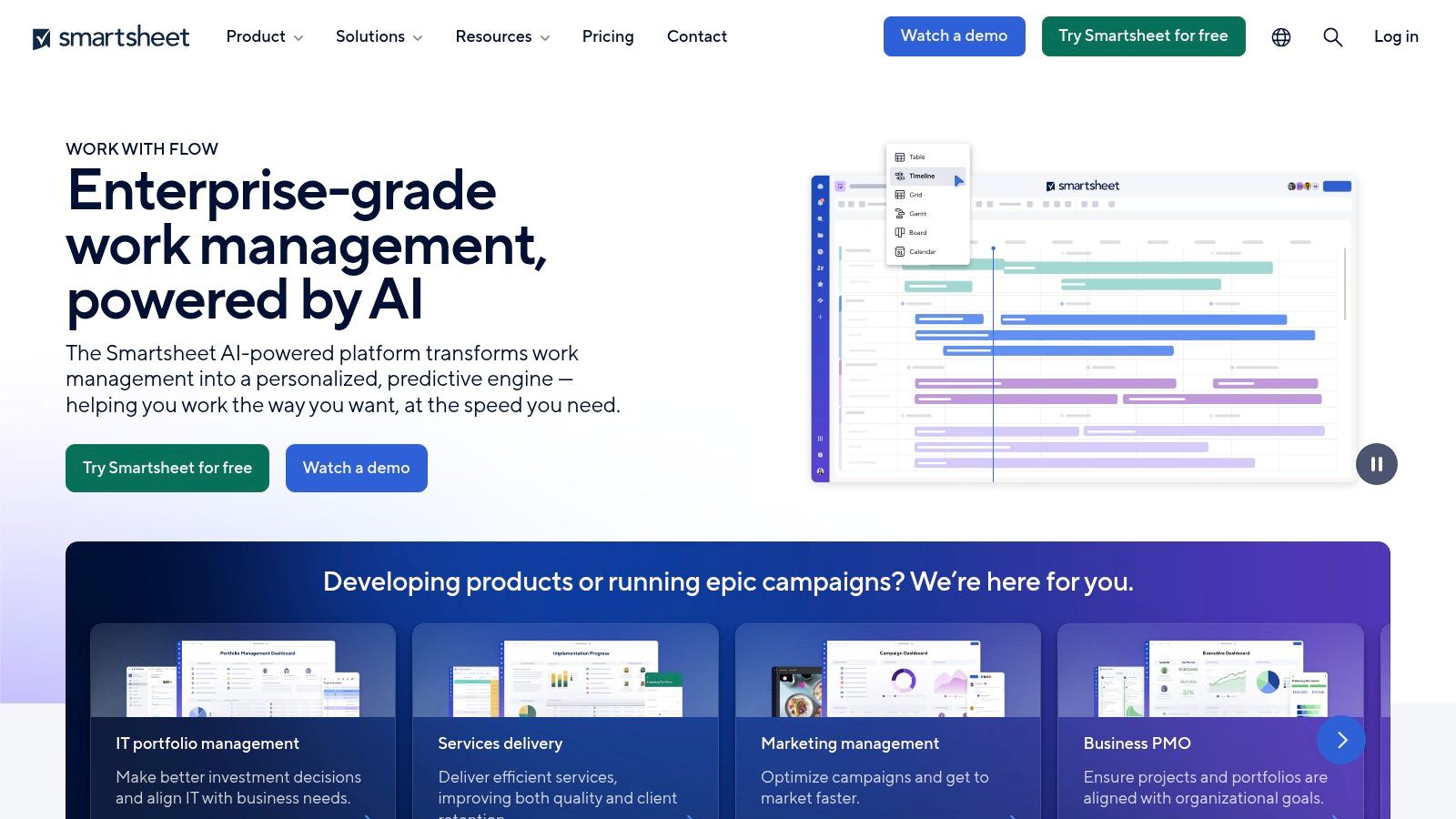
The platform’s strength lies in its automation and integration capabilities. You can set up workflows that automatically trigger alerts, request approvals, or update rows based on predefined criteria, transforming your process map into an automated operational tool. Its familiar, grid-like interface is approachable for users accustomed to spreadsheets, but its advanced features provide robust project management functionality.
Key Details & Analysis
| Feature | Detail |
|---|---|
| Pricing | Subscription-based (Free, Pro, Business, Enterprise plans). |
| Formats | Proprietary Smartsheet format; exportable to Excel, PDF, and Google Sheets. |
| Best For | Teams managing active, collaborative projects and workflows that require real-time tracking and automation. |
| Unique Selling Point | It combines process documentation with live project management and automation, turning static plans into interactive workflows. |
Pros:
- Excellent for enhancing process management and live tracking.
- Strong features facilitate real-time team collaboration and communication.
- Highly customizable with powerful automation capabilities.
Cons:
- The platform can have a significant learning curve for new users unfamiliar with its advanced features.
Link: Smartsheet Templates
Business Process Documentation Templates Comparison
| Product | Core Features & Formats | User Experience & Collaboration | Value & Pricing 💰 | Target Audience 👥 | Unique Selling Points ✨ |
|---|---|---|---|---|---|
| OpsDog | Industry-specific templates (PDF, Visio, PPT) | High-quality, easy customization | Paid only 💰 | Professionals, consultants | Real-world Fortune 500 consulting data 🏆 |
| Klariti | Multi-format pack (Word, Excel, Visio) | Affordable, requires MS Office skills | Affordable 💰 | Technical & operational teams | Broad process design coverage |
| iHeartTechnicalWriting | Editable templates (Word, Excel, Visio) | Affordable, customizable | Affordable 💰 | Business process documentation users | Detailed roles & responsibilities included |
| Bit.ai | Free, rich media embedding, real-time collaboration | User-friendly, highly collaborative | Free 🆓 | Teams needing collaborative docs | Embeds videos/images, real-time editing ✨ |
| ProProfs | Free, multimedia integration | Easy to use, customizable | Free 🆓 | Small-medium businesses | Visual aids support, user-friendly UI |
| ClickUp | Multiple free templates, real-time collaboration | Team collaboration, task mgmt | Free 🆓 | Teams & project managers | Integrates task management & collaboration |
| Process Street | Free templates, workflow automation | User-friendly, automation support | Freemium 💰 | Teams improving process efficiency | Workflow automation 🏆 |
| Atlassian Confluence | Free, integrates Atlassian tools | Real-time collaboration, version control | Free 🆓 | Atlassian ecosystem users | Version control, document history |
| Scribe | Free, easy sharing & collaboration | User-friendly | Free 🆓 | Teams needing simple docs | Simplifies documentation |
| Template.net | Free, Word format templates | Easy customization | Free 🆓 | General business users | Variety of process templates |
| Lucidchart | Visual templates: flowcharts, diagrams | Collaborative, integration capable | Freemium 💰 | Visual thinkers, analysts | Strong visualization & diagramming tools ✨ |
| Smartsheet | Customizable templates, collaboration & automation | Collaborative, some learning curve | Paid plans 💰 | Various industries & teams | Automation + process mgmt |
Beyond the Template: Turning Documentation into Action
We've explored a comprehensive suite of business process documentation templates, from the structured, formal layouts of OpsDog and Klariti to the dynamic, collaborative platforms of ClickUp and Atlassian Confluence. Each tool offers a unique starting point, but the true value isn't found in the template itself. It's unlocked when you transform that static document into a dynamic, actionable asset that drives operational excellence.
A template is a guide, not a destination. The ultimate goal is to create living documentation, a centralized source of truth that evolves with your business. The tools we’ve covered, like the visual-first Lucidchart and the automation-centric Process Street, are designed to prevent your processes from gathering digital dust. Success lies in choosing a system that integrates seamlessly into your team's daily rhythm.
Choosing Your Path: From Template to Transformation
Selecting the right tool requires an honest assessment of your team's needs, technical skills, and existing workflows. Don't chase the most feature-rich platform if your team thrives on simplicity. A simple, consistently used template from Template.net or Bit.ai is far more valuable than a complex system that gets ignored.
Consider these key factors when making your decision:
- For Visual Thinkers and Complex Workflows: If your processes involve intricate steps and multiple decision points, a visual tool is non-negotiable. Lucidchart and Smartsheet (with its Gantt chart capabilities) excel here, allowing you to map out dependencies and visualize the entire operational landscape.
- For Collaborative, Agile Teams: Teams in marketing, software development, or creative agencies need tools that foster collaboration, not hinder it. Atlassian Confluence, ClickUp, and Process Street are built for this, integrating task management and communication directly within the documentation.
- For Rapid, Step-by-Step Guide Creation: When the priority is quickly generating clear, easy-to-follow instructions, automated tools are a game-changer. Scribe stands out for its ability to instantly convert a recorded workflow into a shareable guide, saving countless hours for teams creating training materials or standard operating procedures (SOPs).
- For Formal, Enterprise-Level Documentation: For organizations requiring rigorous, standardized documentation for compliance or large-scale projects, traditional but robust options are often best. OpsDog and the templates from Klariti or iHeartTechnicalWriting provide the structure needed for formal approval processes and detailed record-keeping.
Implementation: The Key to Lasting Value
The most critical step after selecting a tool is implementation. The most effective business process documentation templates are those that become integral to your operations. Assign clear ownership for each process document. Schedule regular reviews, perhaps quarterly or bi-annually, to ensure the information remains accurate and relevant.
Encourage your team to treat these documents not as a chore, but as a shared resource that makes their work easier. When documentation removes ambiguity and empowers employees to act confidently, you have successfully moved beyond the template and achieved true operational clarity.
Tired of the manual effort required to create and update your process documents? Stravo AI automates the creation of SOPs, training guides, and manuals by intelligently analyzing your team's actions. Turn complex workflows into clear, concise documentation instantly, ensuring your business process documentation templates are always up-to-date. Discover a smarter way to standardize at Stravo AI.